
Helium Browser Review: Is This Minimal, Privacy-Focused Chromium Browser Worth Switching To?
Helium Browser promises a privacy-respecting Chromium experience with no cryptocurrency, no AI, and no bloat. Here's what I think after testing it head-to-head against Brave.


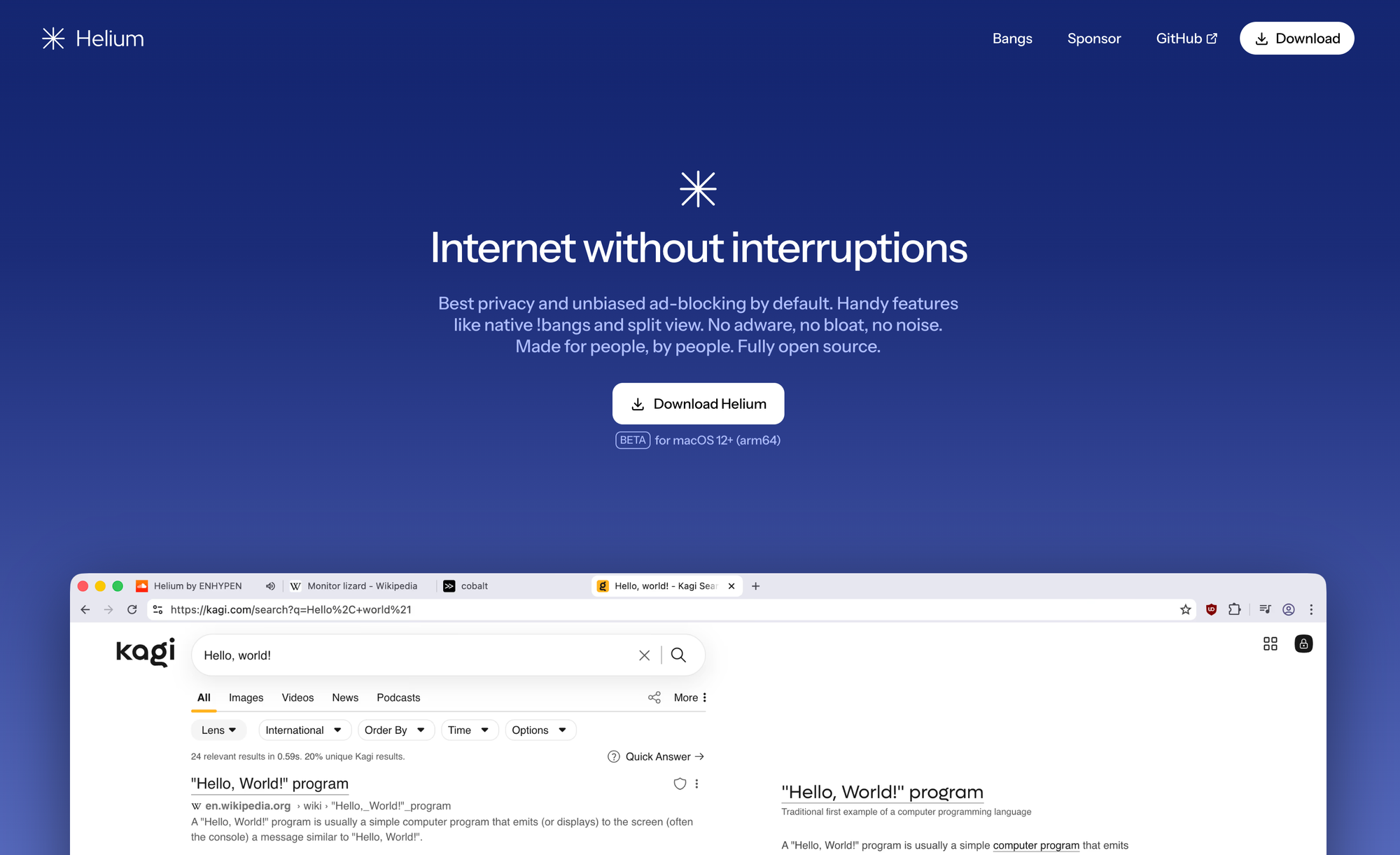
If you've been searching for a minimal, privacy-respecting Chromium browser that doesn't come loaded with bloat, cryptocurrency features, or AI tools, Helium Browser may have crossed your radar. Our community asked relentlessly, so it was time to test it head-to-head against Brave to give my honest take on whether it lives up to the hype, and who I think it's actually for.









Just a few of the dozens of comments asking for an analysis of Helium browser.
Helium is an open source Chromium-based browser developed by the team behind imput. It's currently in beta on Windows, macOS & Linux. A few things stood out to me immediately during setup:
- Helium notarizes their macOS app, which sounds like a small detail, but some browser forks skip this step entirely—so I appreciated the proper notarization.
- They proxy extension downloads from the Chrome Web Store so your data isn't handed directly to Google. That's a thoughtful privacy touch.
- During setup, Helium lets you toggle which data categories you want to allow or disable, with a complete kill switch at the top for all of them. I enabled them all anyway, but I love this control nonetheless.
- They also prompt you to choose a default search engine during setup. DuckDuckGo is a solid option, and I'd love to see Brave Search added too since that's my daily search engine. You can still add search engines in the settings later yourself.
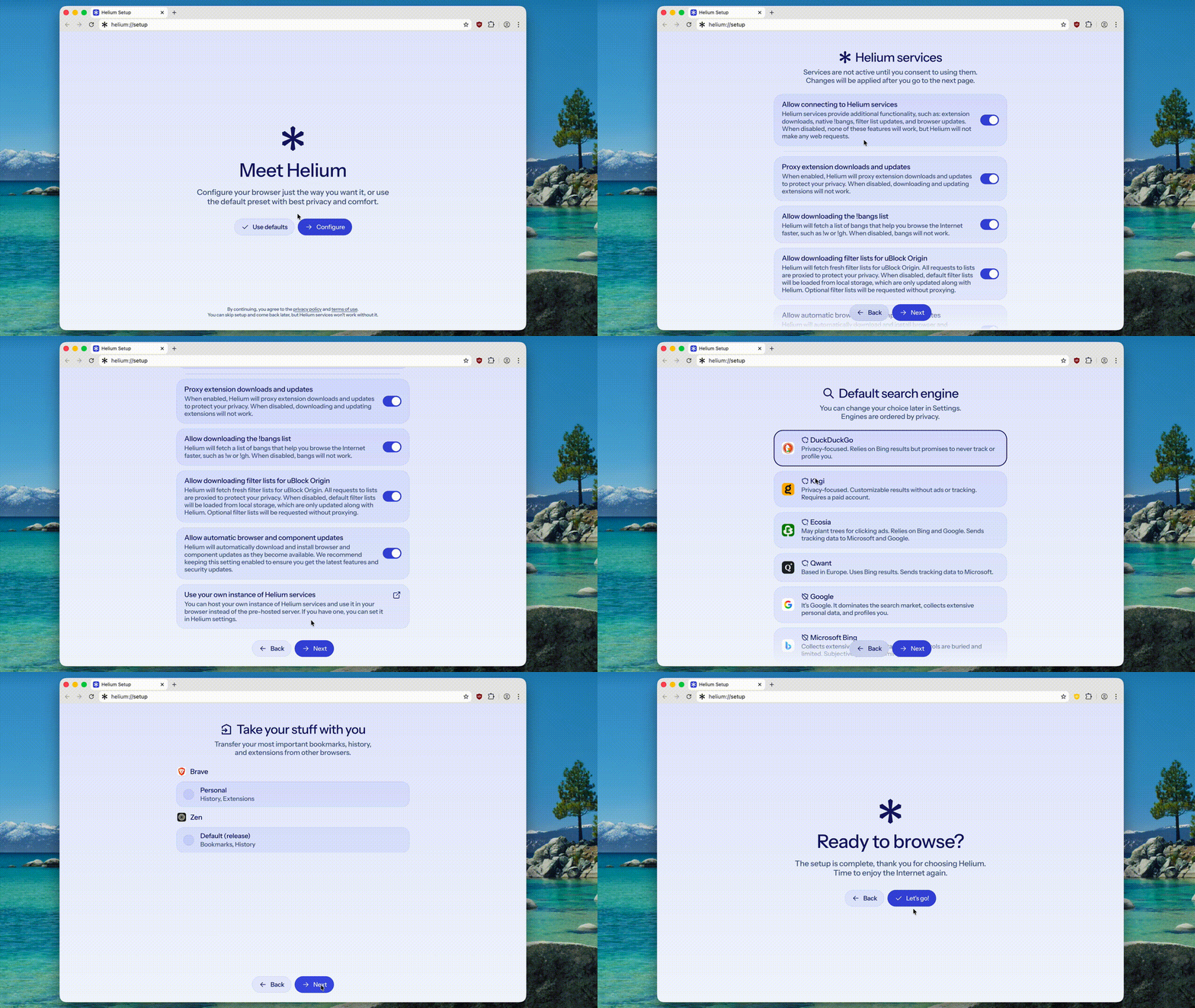
Once I got in my first thought was that Helium felt bare bones...more on this later as it's not inherently a negative thing. uBlock Origin comes installed out of the box for strong privacy + adblocking, HTTPS Everywhere is enabled by default, and Memory Saver runs in balanced mode. Their !bangs are great, but I already use bangs through my search engine...so this isn't something I needed. Vertical tabs are a great feature. Extension support works well out of the box, and progressive web app installation works exactly as you'd expect from a Chromium-based browser.

Now here's where things get tricky, because there are some important things missing from Helium at the time of making this review:
- Browser syncing: Helium runs on macOS, Windows, and Linux, but you can't sync on any of them. So if syncing matters to you, this is a dealbreaker. More on this in a second...
- No mobile apps: There are no native Helium apps for mobile. And there are no native ways to sync from Helium to whichever mobile browser you use, even if they're Chromium-based.
- Translations: Most modern browsers like Firefox and Brave have it. Helium doesn't.
- Widevine / DRM support: From my testing, Helium doesn't appear to support Widevine, meaning streaming services with DRM content won't play back. Hopefully later they add support.
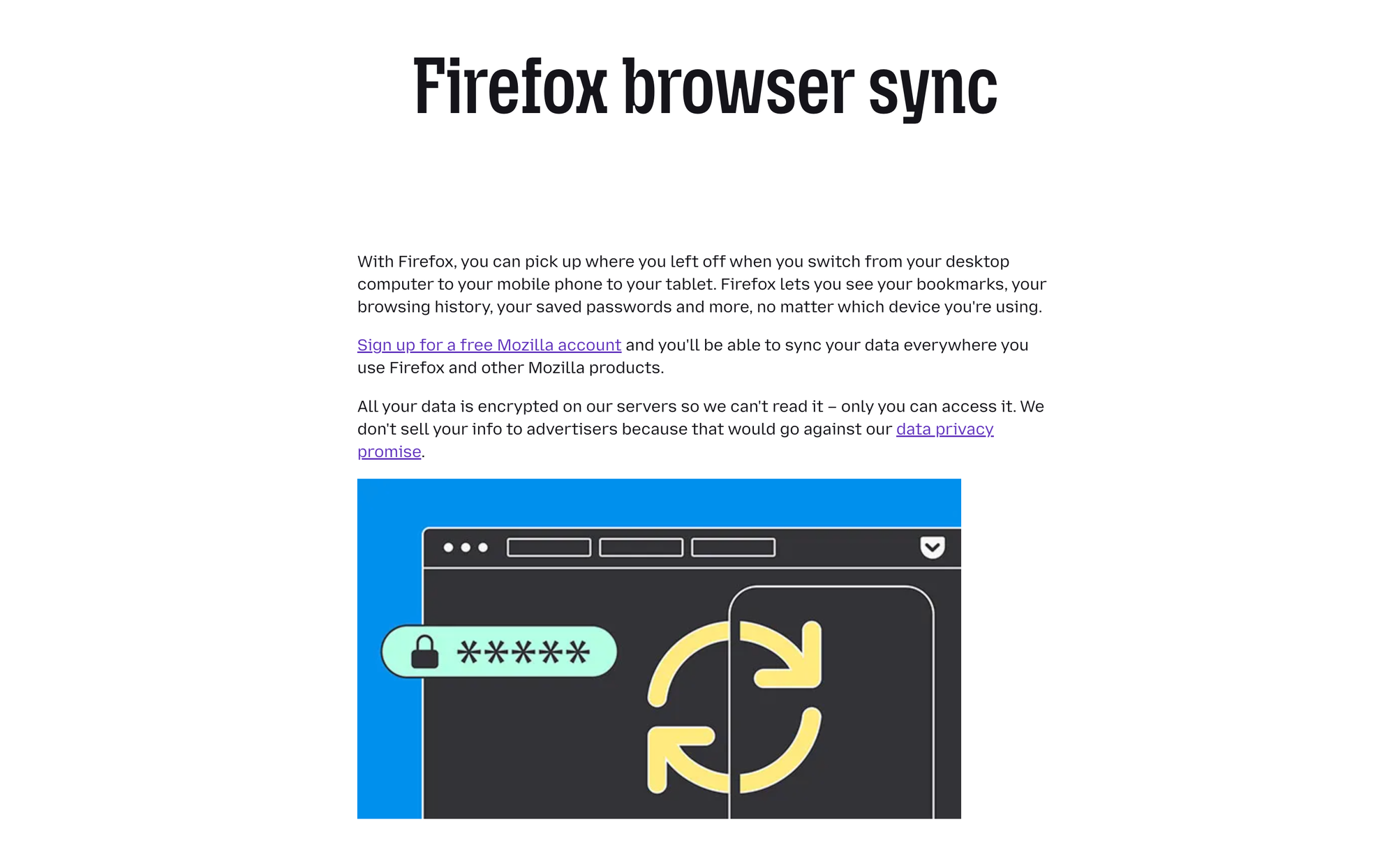
Now I want to talk about browser syncing for a second, because it's an under-discussed benefit of Firefox-based browsers. Generally, Chrome Sync runs on Google's private, closed infrastructure. Back in 2021, Google locked down access to those APIs so only official Chrome builds can use them. That means any Chromium fork (like Helium) that wants to sync has to build it from scratch, which is an enormous task. Brave & other mainstream Chromium-based browsers tend to engineer their own solution. But many others (like Helium) do not.
Firefox is a completely different story because Mozilla built Firefox Sync on an open protocol with a fully open-source server. Mozilla even lets you self-host the entire sync server. This enables you to freely mix & match Firefox-based browser forks without needing each one to commit to every operating system—all with the same Mozilla account between them to sync bookmarks, logins, tabs, and history. This doesn't make Helium (Chromium-based) a bad browser. But it is a reminder that Chromium's relationship with Google is baked very deep.
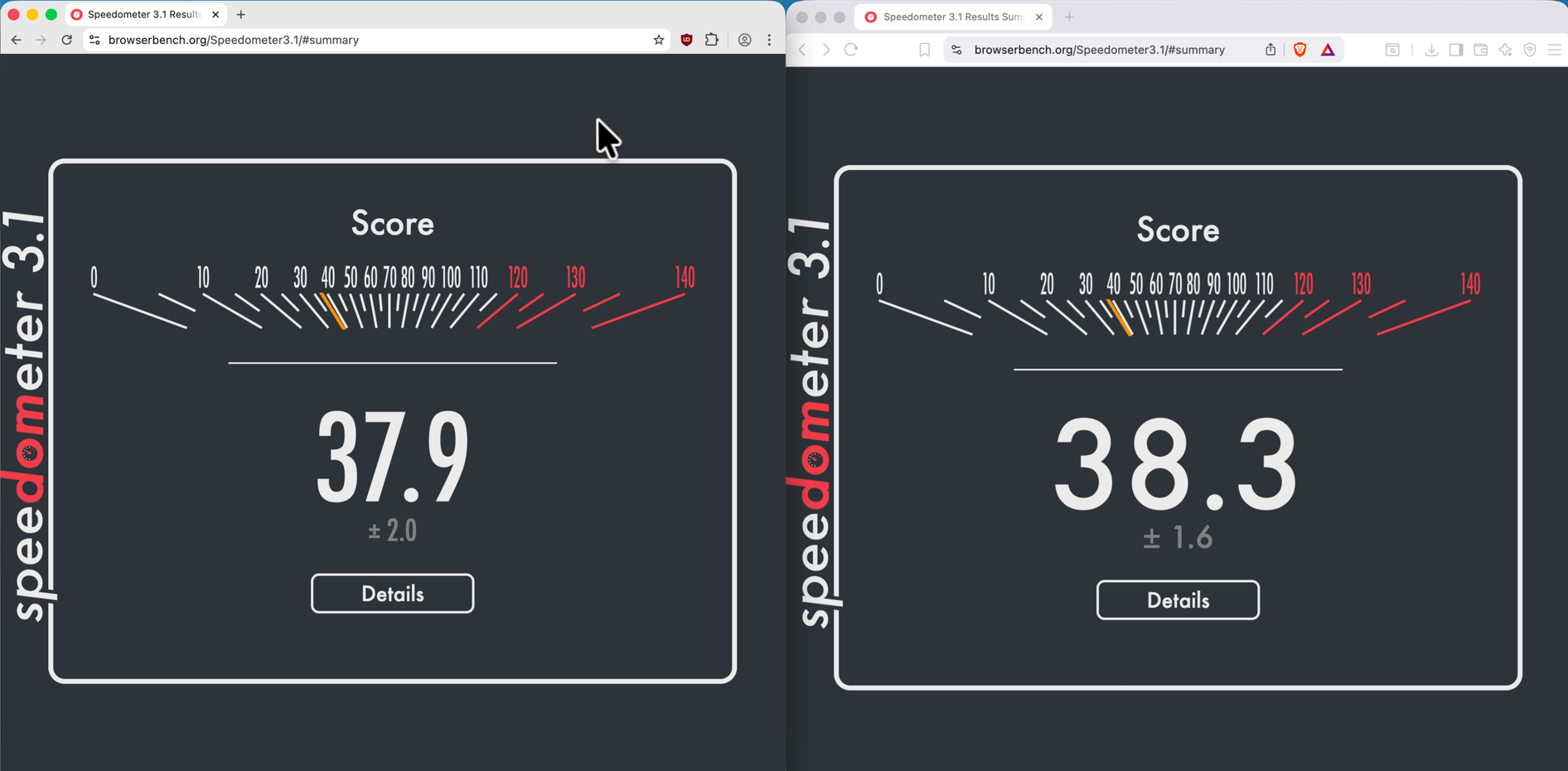

Side-by-side results between Helium (left) and Brave (right) on Speedometer and Cover Your Tracks.
Some other important side-by-side tests:
- Performance: I ran some side-by-side comparisons with Brave on our PeerTube server and with Speedometer, and they perform similarly. CPU and memory usage was also quite similar. I'd call this mostly even for everyday use.
- Privacy: Using Cover Your Tracks and browser leak tests, both Helium and Brave blocked tracking ads and invisible trackers. The notable difference: Brave flagged a randomized fingerprint, while Helium's canvas protection behavior was inconsistent in my testing—possibly a quirk with the testing tool rather than a Helium flaw, but worth noting. Don't forget that both are meaningfully better than Chrome out of the box.
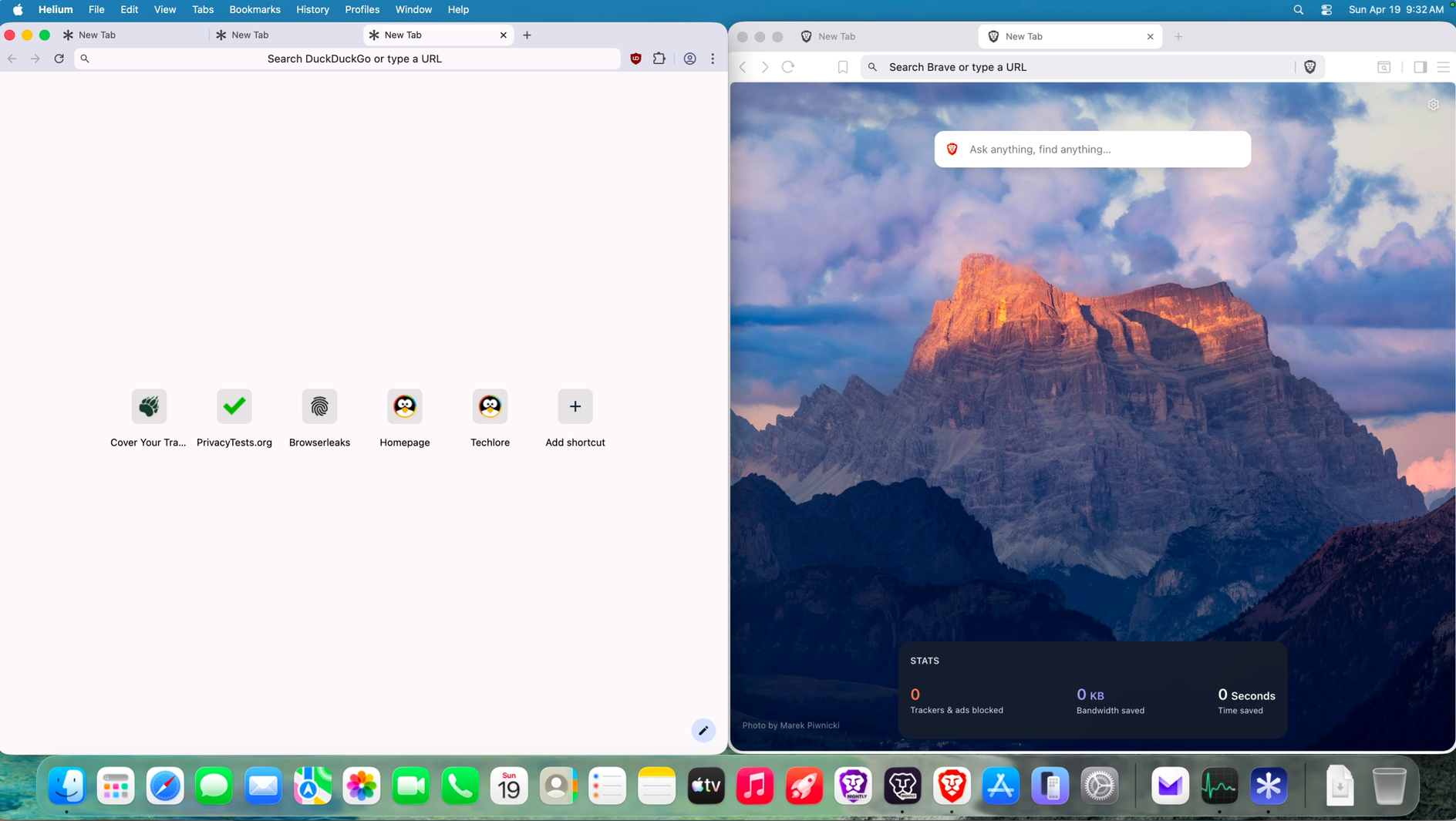
Where things get more interesting is design, and I'll be direct about my preferences here. I'm not a fan of Helium's UI. To me, stripping everything down isn't the same as good design, and I think that distinction matters. Compared to a de-bloated Brave with nice padding, breathing room in the tab bar, better scaling, and wallpapers that make the new tab page feel more welcoming—Helium feels barebones to a fault. With that said, if you want maximum web content and minimum browser interface, Helium delivers that. It chases a raw experience, and I'm sure that connects with some people—just not me.

My final concern is sustainability, which cuts both ways. Brave is a large, established company; I'm confident it exists in five years. Helium is run by two people, still in beta, and has no clear business model that I'm able to find, so it still needs to pass the test of time. But that same small team has shipped something with zero baggage: no cryptocurrency controversy, no AI products, no eyebrow-raising decisions. If that matters to you, you should consider supporting them!
My final take: Helium's tagline is "internet without interruptions"—and the interruptions apply to Helium itself too. It doesn't interrupt you with features, cryptocurrency, AI, or anything else. That's exactly who it's for right now: someone who doesn't need sync, doesn't need DRM playback, and just wants something that does the basics without the nonsense. I won't be using Helium as I haven't figured out where it fits in my workflow, but I don't have a strong reason not to use it. I'll re-assess as they continue development to see if someday it makes more sense for me.
One use case worth flagging: Helium makes a strong dedicated home for progressive web apps. PWA support is native on Chromium, compatibility is excellent, and uBlock Origin runs by default inside them so you get ad and tracker blocking without any extra setup for your apps. Some people may also appreciate their native !bangs feature.
In summary: Go in expecting something that works, does the basics, stays out of your way, and has a clean track record. On those terms, Helium delivers.
If you want to learn more about Helium, see videos of it in action, and get more personal thoughts & analysis—we just published a review of Helium on our YouTube channel:
Watch on Techlore.TV for an ad-free, surveillance-free viewing experience
Written by

Get Ahead of the Snoops with Surveillance Report
Surveillance Report: what matters in privacy, security, and digital rights. Weekly, free.