Password Manager Security Explained: Argon2, PBKDF2, and Open Source with Bitwarden
Techlore Talks brings you in-depth conversations with the experts at the forefront of digital rights, privacy and security.

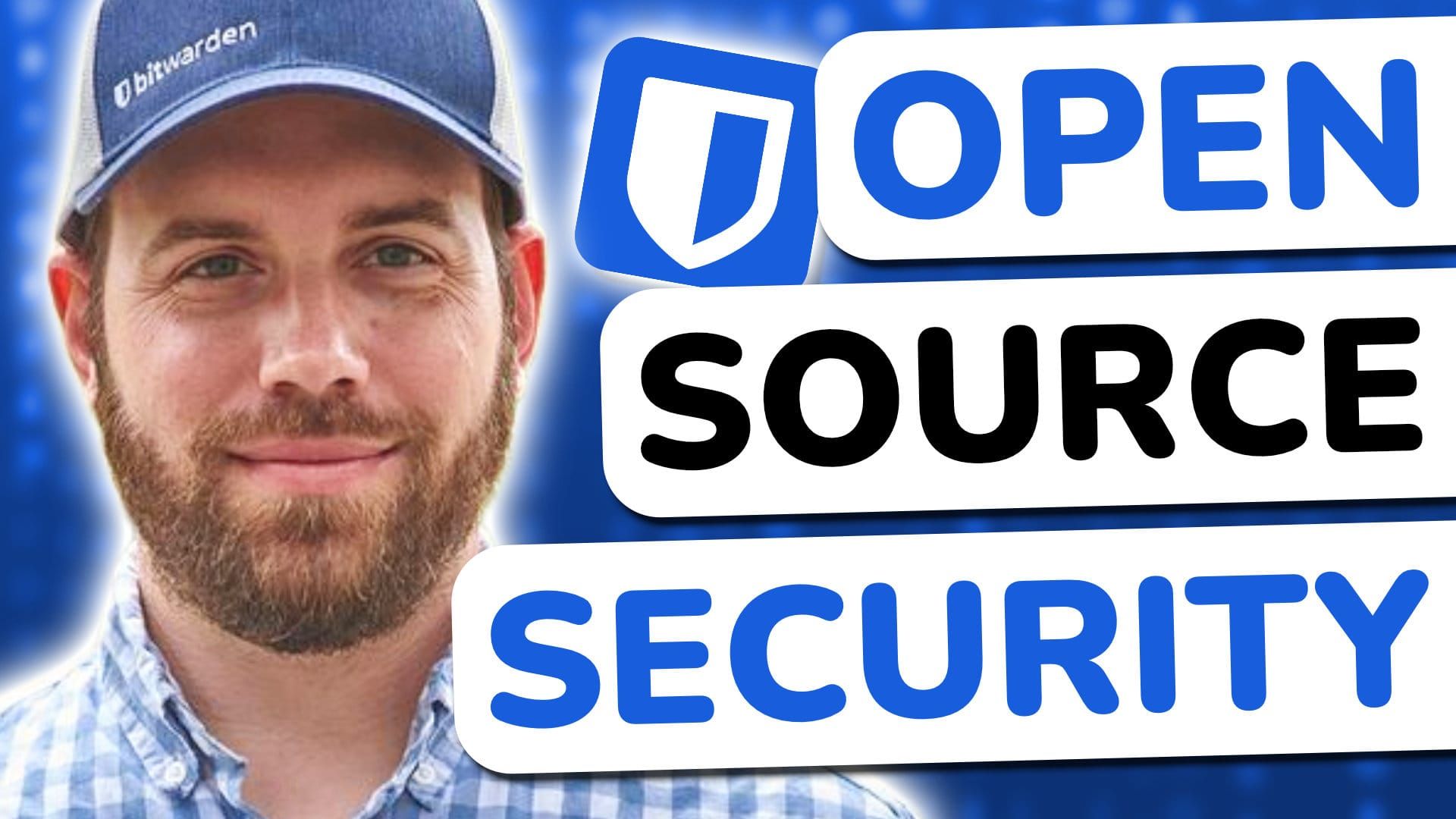
I've been recommending Bitwarden for years and it's one of our community's favorites! People discuss it so frequently that I sometimes forget I've never actually sat down with the team, so this interview was long overdue.
Ryan Luibrand from Bitwarden's product team joined me on Techlore Talks, covering everything from the origins of the project, to the security architecture and more. While I don't personally use Bitwarden, I was still very excited to learn more about it!
Open source isn't just a philosophy, it's a security argument
One of the first things I wanted to establish for anyone newer to the space: what does being open source actually mean for a password manager?
Ryan: "What would you trust more? Somebody who's like, oh, trust us, we're good. Or another company that says, you don't have to trust us. Here's how everything works."
What Ryan is referring to here is the concept of security through obscurity where companies rely on the secrecy of their product rather than technically sound, open security. With Bitwarden, the code is on GitHub. Anyone can look. And with that kind of scrutiny, vulnerabilities get found and fixed fast. This is why a majority of services in our SPA Essentials are open source.
The encryption rabbit hole (we went all the way down)
I asked about zero-knowledge encryption and the cloud concern, because it's a tough pill to swallow when I say out loud in a video "I'm storing my passwords on someone else's computer." Ryan walked through the full picture: your vault is encrypted on your device before it ever leaves, and what sits on Bitwarden's servers is useless without your master password.
Ryan: "Even if there were some sort of cloud breach and somebody grabbed the entire Bitwarden server blob — there's nothing there for them."
But your master password isn't even the actual key to your vault. It gets run through a key derivation function (KDF)—by default 600,000 iterations of PBKDF2, or Argon2 for those who opt in. That makes brute-force attacks computationally difficult. Your vault is then wrapped in additional layers of encryption on the server side with keys stored separately. This isn't an encryption deep-dive, so I recommend listening to the interview for Ryan's breakdown.
The TOTP question I always get asked
A question I get all the time from our community is if they should store their 6-digit TOTP codes inside their password manager, or keep them separate.
While those with higher threat models can certainly opt for the latter for extra security, having any 2FA in any context is where you'll get a majority of gains. I also shared a hybrid approach in the interview: high-security accounts (email, banking) stay in a dedicated TOTP app. Lower-stakes stuff lives in a password manager for convenience. Ryan validated this framing as not an all-or-nothing choice, and the right answer depends on your threat model and how you actually use the tool.
The bigger point: having any 2FA, stored anywhere reasonable, already protects you against credential stuffing—the most common real-world attack. The paranoid scenario of "what if someone gets into my password manager" is a much higher bar to clear than the everyday reality of leaked username/password combos getting tested across the internet automatically.
A question nobody asks: what happens when you die?
Ryan brought up something that doesn't get nearly enough coverage: emergency access planning. He shared that he keeps a handwritten copy of his critical credentials in a physical safe at home.
Ryan: "Security is about keeping good people in and bad people out. It's not about keeping everyone out, period."
I've thought about this more since a family member passed recently, and other family members really struggled to gain access their accounts—making an already challenging time even more difficult.
Death is never fun to think about, but it's an important consideration. A lot of security advice online when taken in absolutes doesn't actually allow the proper people to have access to your data—it keeps everyone out in a blanket manner. I would argue proper security involves keeping the right people in, and the wrong people out.
My takeaways
Bitwarden has earned its reputation. The open source commitment is real, the security architecture is sound, and the free plan gives most people everything they actually need. Ryan's final message was pretty simple:
Ryan: "use any password manager. Just use one. The security improvement over reused passwords is enormous regardless of which tool you pick."
If you're going to pick one—and especially if you care about open source and transparency—Bitwarden makes a compelling case for itself. I'm still a huge fan of Proton Pass (I love its UI/UX and SimpleLogin integration!) so that's what I'm using, but it's nice to know Bitwarden will continue to be a strong recommendation to our audience amongst many.
🔐
Listen to the podcast on Apple Podcasts, Spotify, or any podcast app. You can also watch Techlore Talks on YouTube or Techlore.TV
Episode Sources
- Bitwarden: https://bitwarden.com
- Privacy Policy: https://bitwarden.com/privacy/
- Compliance & Audit Reports: https://bitwarden.com/compliance/
- Security White Paper: https://bitwarden.com/help/bitwarden-security-white-paper/
- Security Readiness Kit: https://bitwarden.com/resources/bitwarden-security-readiness-kit/
- HackerOne Bug Bounty: https://hackerone.com/bitwarden
- GitHub: https://github.com/bitwarden
Written by

Get Ahead of the Snoops with Surveillance Report
Surveillance Report: what matters in privacy, security, and digital rights. Weekly, free.