Steam Deck & Framework Data Breaches: What To Do And How To Prevent The Next One
Steam Deck and Framework owners both got caught in data breaches, but the plot twist is neither company was directly hacked. Here's exactly what to do if you were affected, step by step. From phishing to aliasing to password management.


If you bought a Steam Deck or a Framework laptop, there's a good chance your name, your email, your phone number, and your home address are sitting in a stranger's hands right now. I want to make sure you know what's going on, what you can do about it, and how to prevent this kind of thing from mattering as much in the future. And having covered data breaches for many years, I can tell you this one has some unique lessons!
What happened
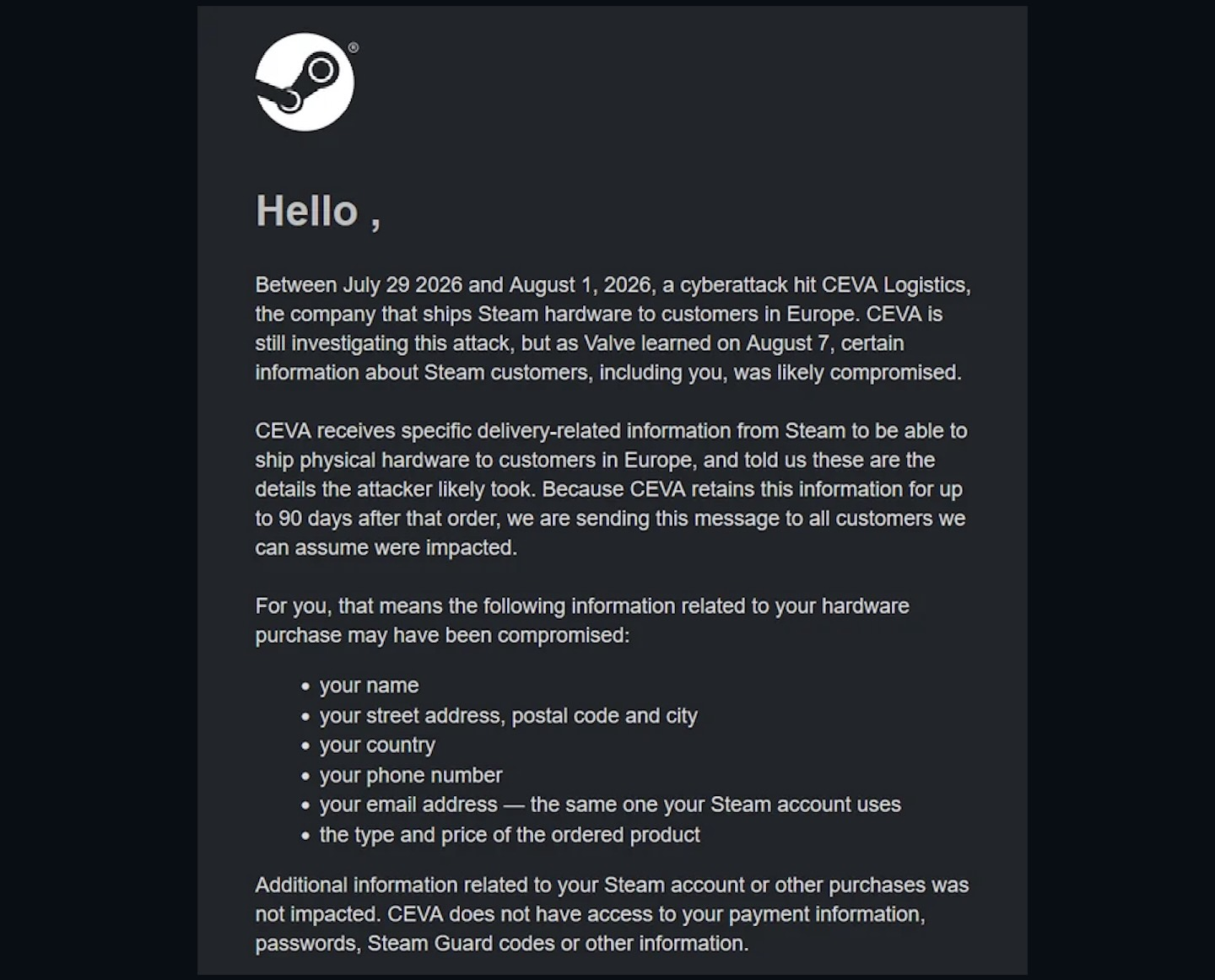
There's a shipping giant called CEVA that handles shipping and logistics, and they're who Steam uses to ship Steam hardware in Europe. Between July 29th and August 1st, 2026, CEVA's systems were breached. Names, addresses, phone numbers, emails, and order information including what you paid were taken. The good news: no payment information, no passwords, no Steam Guard codes.
Some good news: CEVA only holds delivery data for 90 days, so the scope of this is roughly early May to now. If you ordered in that window, you were probably caught. If you ordered back in 2024, your data was already wiped. This is a rare win & a good lesson in not holding onto data endlessly, something a lot of companies love doing.
This isn't just a European problem
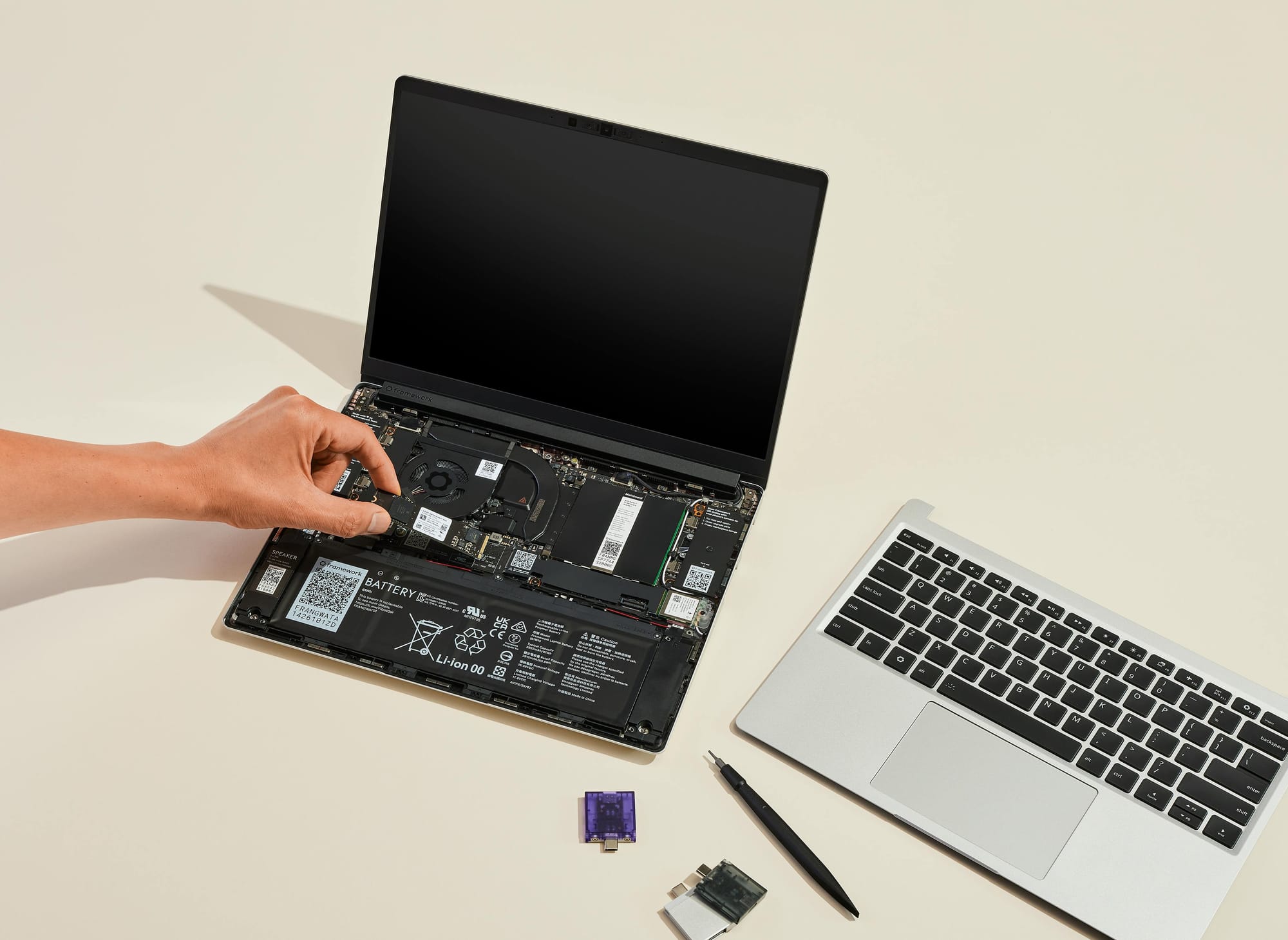
What we saw with Steam is a company you had a direct transaction with that had a dependency on another company. But the same exact thing happened with Framework. That one was global, all customers, including in the US. Names, emails, phone numbers, addresses. And like the Steam Deck breach, it came from an upstream provider called Metabase.
What can be done?
The interesting thing about these is they're both Linux-forward machines that attract technical users who care about privacy. And even in that situation it still led to data exposure! So here are a few things to help:
- Step one: fewer accounts. If you can reduce the number of accounts you have, it inherently reduces your exposure.
- Step two: use a password manager. Not only will you have stronger, more unique passwords, but a password manager doubles as a database of every account you have, so it's easy to go through and delete what you don't need. Use something audited, ideally open source, that's easy to use and generates unique passwords. Our tools have several recommendations that fit this criteria.
- Step 3: If you were caught, watch for phishing. This is the most likely threat. Someone impersonating Steam, Framework, or the shipping company. With your email and phone number, they can call you pretending to be official. They can tell you about your order because they know the price and the type. When you get something urgent over text or email, log into the service directly and see if there's anything there matching what the message claimed.
- Step 4: 2FA. If you're using Steam's email method, make sure you've got strong 2FA and a strong password on the email account itself. TOTP is a good starting point for many people, and security keys are even better, both of which our tools cover.
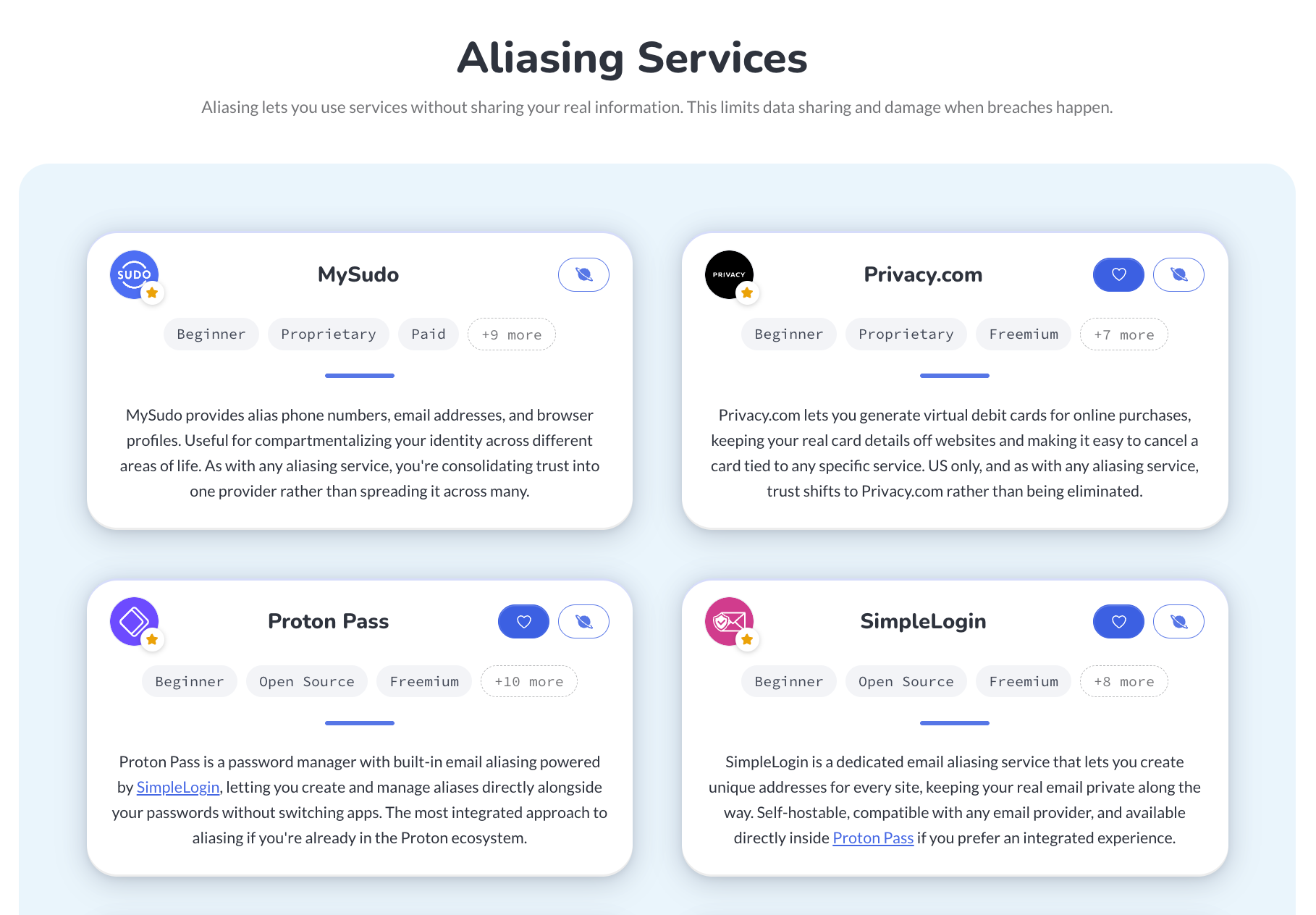
- Step 5: Aliasing. This is your #1 prevention strategy to ensure future breaches are limited in scope. Emails, phone numbers, and cards can all be aliased so that every service either gets something that isn't directly yours, or gets its own unique thing. On our tools page you'll find aliasing services that are quite powerful to protect your real information.
- Step 6: Freeze your credit. Each region is different, some places don't offer this at all. But when available, freezing your credit is something you should take advantage of. It prevents someone opening lines of credit under your name, making it one of the strongest protections against identity theft.
To bring it all together: Be aware of phishing, especially in breaches that expose order details. Set up 2FA on as much as you can. Use a password manager so you know what's out there, set up aliasing, freeze your credit, and be vigilant!
If you don't want to make being vigilant a full-time job, you can follow Surveillance Report, a five minute read in your inbox each week, no spam, just what's going on and my thoughts on it. Here's my video coverage of these breaches:
Watch on Techlore.TV for an ad-free, surveillance-free viewing experience
Written by

Get Ahead of the Snoops with Surveillance Report
Surveillance Report: what matters in privacy, security, and digital rights. Weekly, free.